General Settings
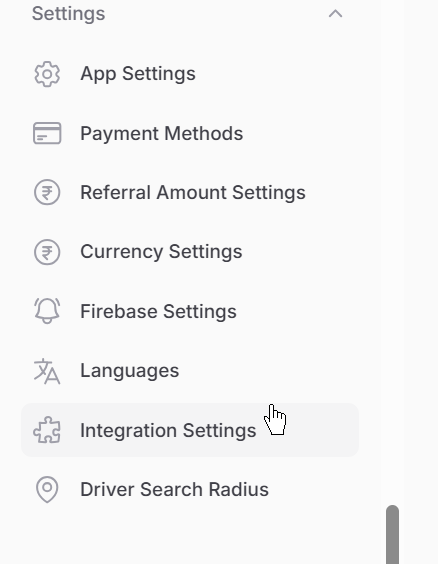
From the admin panel sidebar, open Settings. Here you can configure app branding, payments, referrals, currency, Firebase / OTP, languages, third-party integrations, and driver search radius. You can also send push notifications from Marketing → Send Notification.
1. App Settings
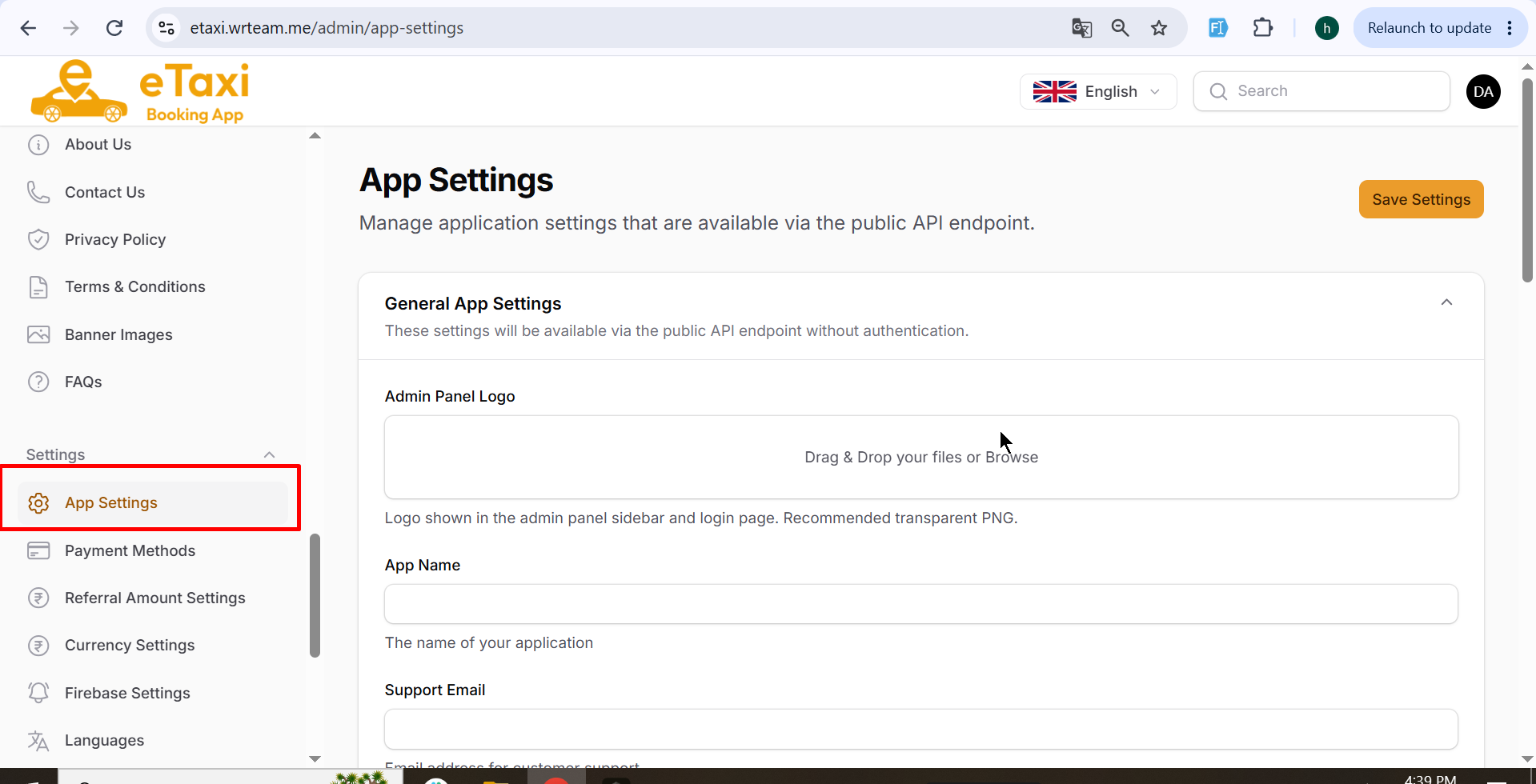
Use this page to manage general application details that are exposed via the public API (without authentication).
What you can configure:
- Admin panel logo, app name, support email, and support phone
- Maintenance mode (to temporarily stop app usage)
- Android / iOS app version and force update options
- App store / share links for iOS and Android
- Admin panel and mobile app primary theme colors
Click Save Settings after making changes.
2. Payment Methods
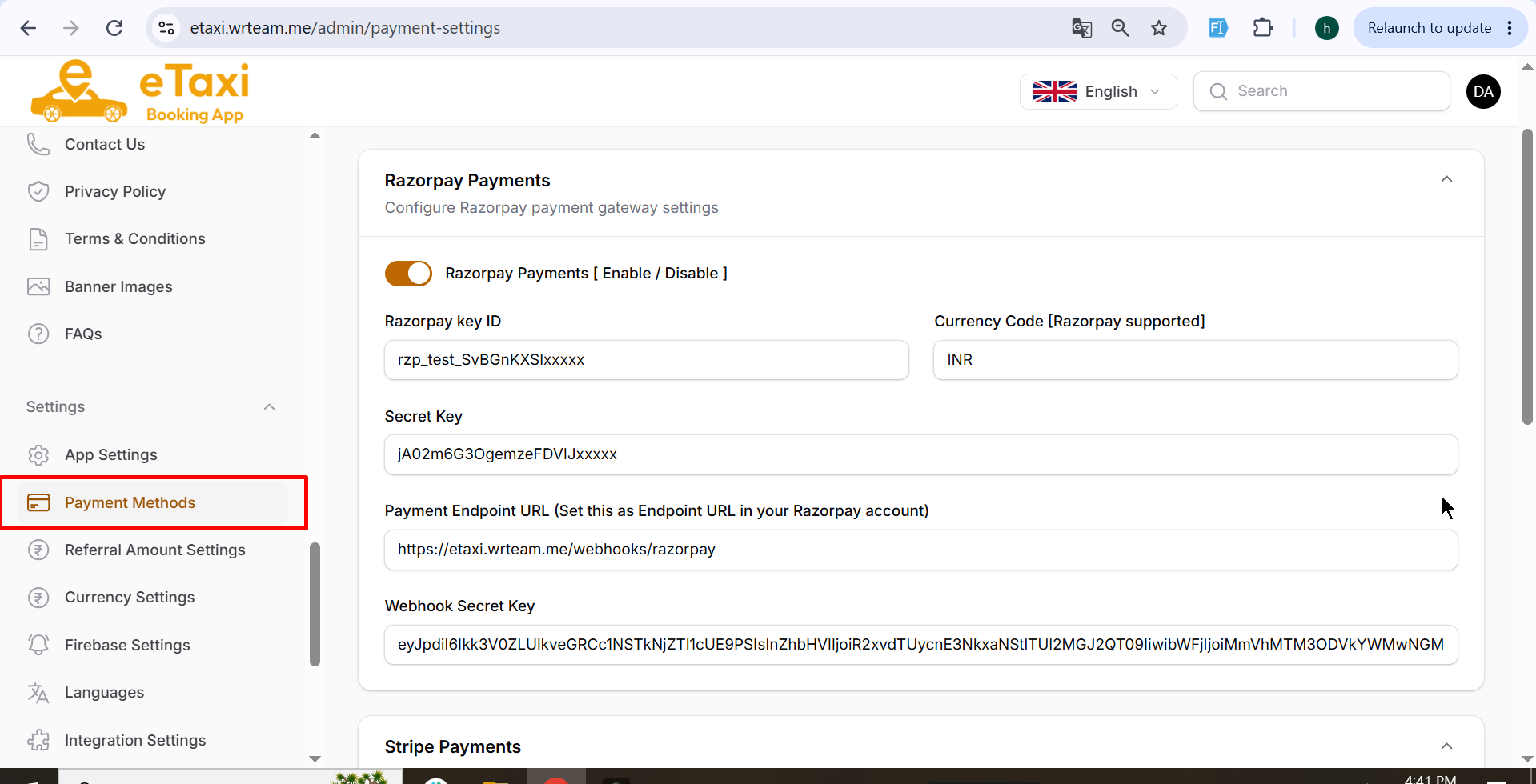
Configure how customers pay for rides. Enable or disable each gateway and add its credentials.
What you can configure:
- Razorpay — Key ID, secret key, currency, webhook URL, and webhook secret
- Stripe — Test/Live mode, publishable key, secret key, currency, webhook URL, and webhook secret
- Cash On Delivery (COD) — Enable or disable cash payments
Use this when you want online payments, cash payments, or both available in the apps.
3. Referral Amount Settings
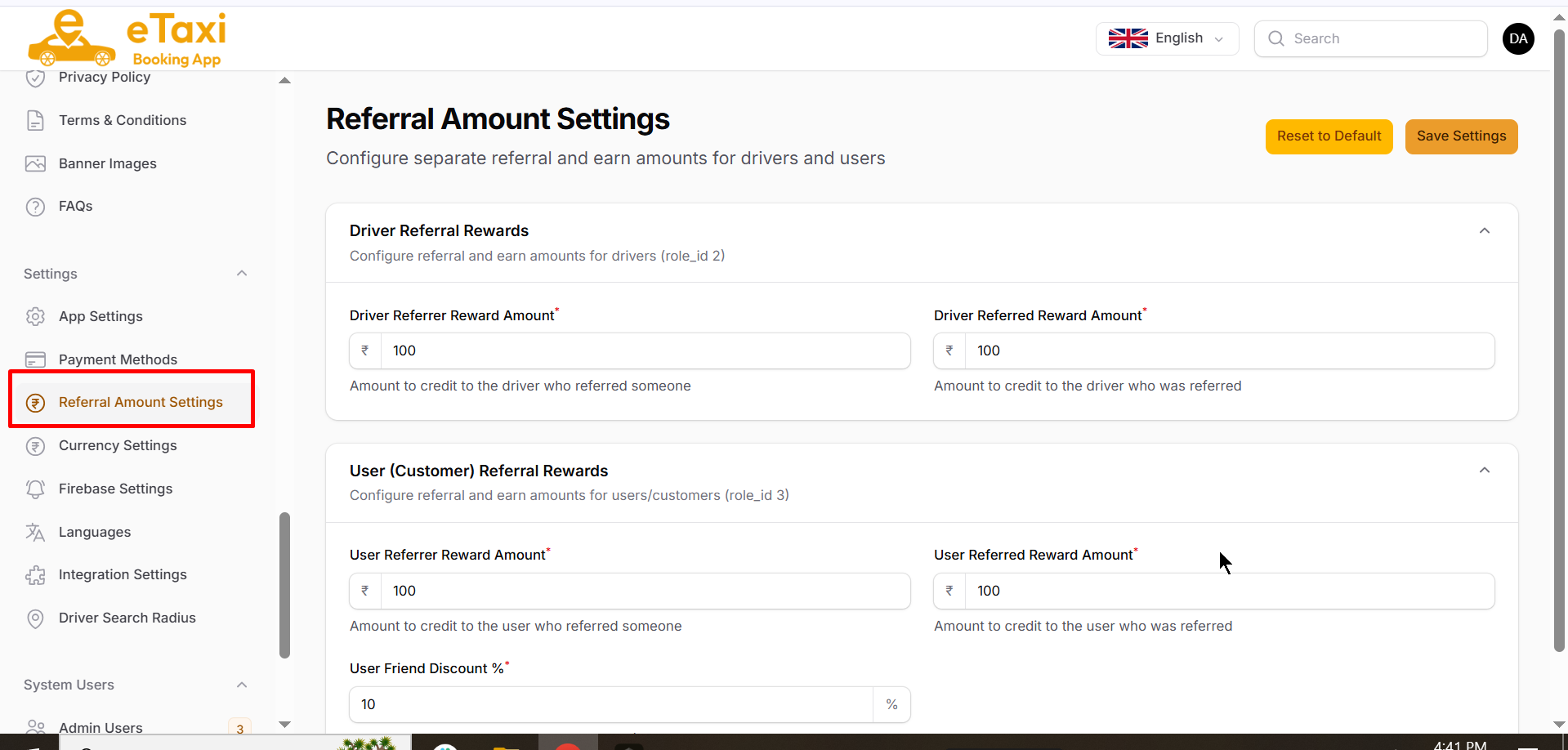
Set referral reward amounts separately for drivers and customers (users).
What you can configure:
- Driver referrer and referred reward amounts
- User (customer) referrer and referred reward amounts
- User friend discount percentage
Use this to control how much bonus is given when someone refers a new driver or customer.
4. Currency Settings
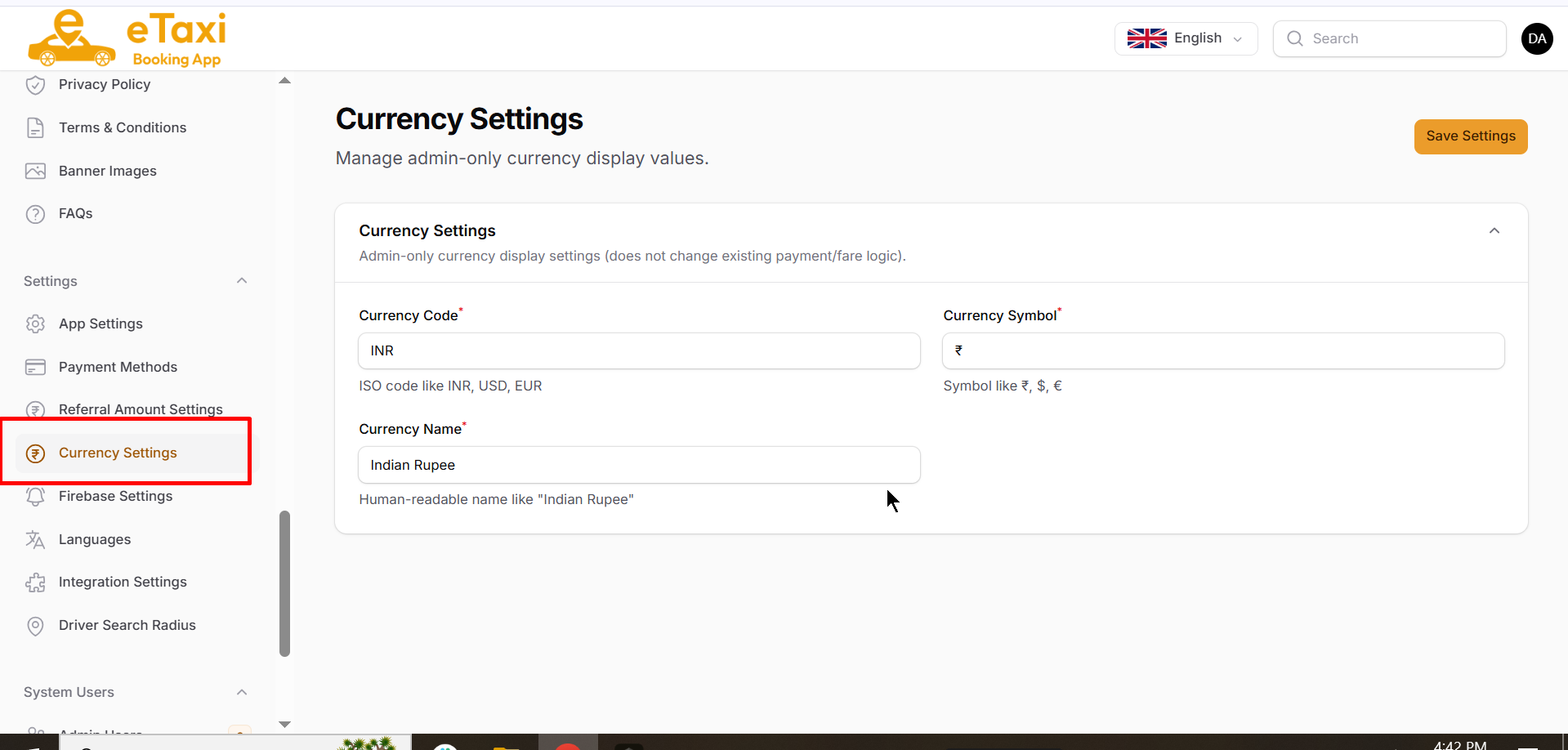
Manage how currency is displayed in the admin panel.
What you can configure:
- Currency code (for example:
INR) - Currency symbol (for example:
₹) - Currency name (for example:
Indian Rupee)
These are admin display settings and do not change existing payment or fare logic.
5. Firebase Settings
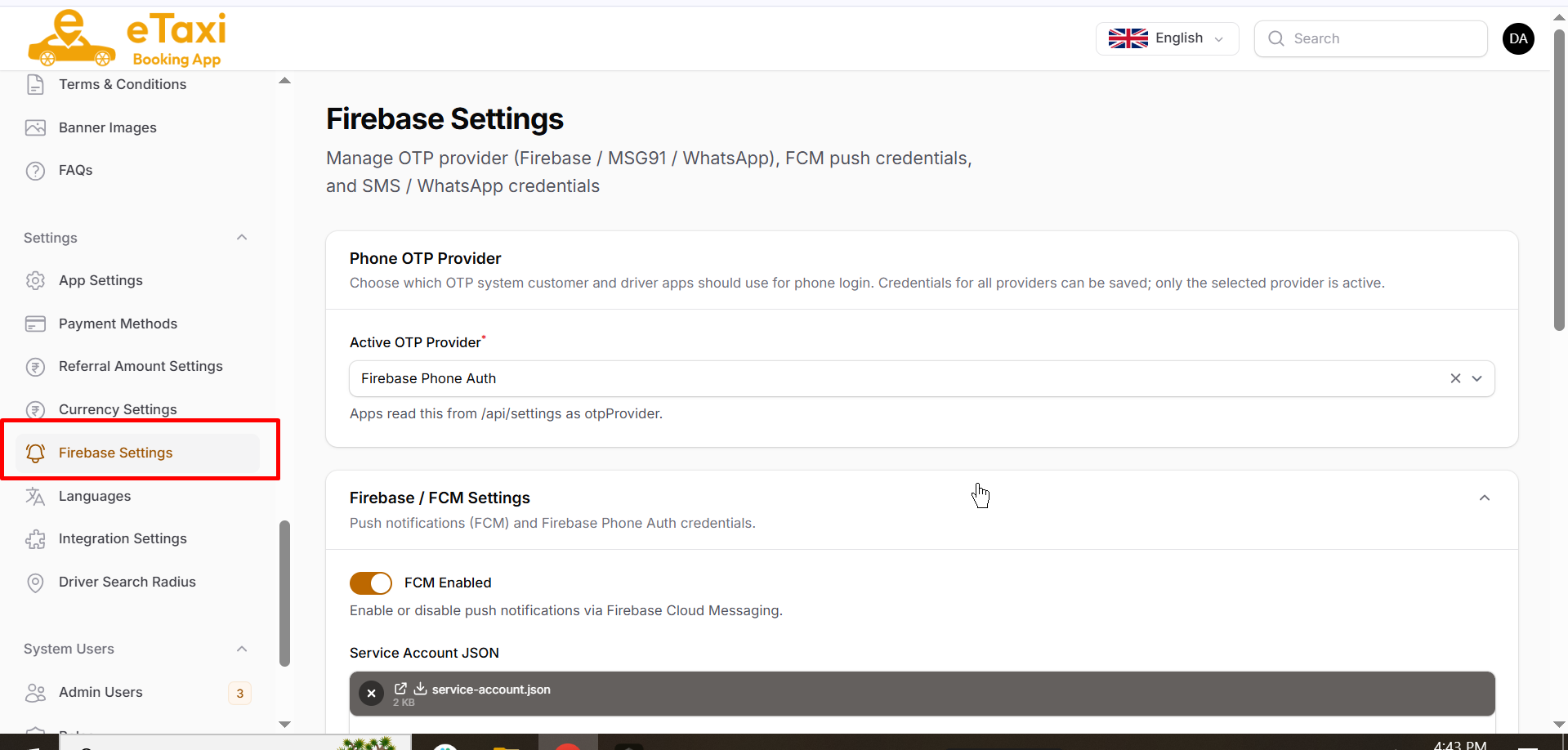
Manage OTP login providers, push notifications (FCM), and SMS / WhatsApp credentials used by customer and driver apps.
What you can configure:
- Active OTP provider: Firebase Phone Auth, MSG91 SMS, or WhatsApp OTP
- FCM enable/disable and Firebase service account JSON
- MSG91 auth key, template/flow ID, and sender ID
- WhatsApp API URL, security key, and template name
Use this so users can receive OTP for login and push notifications for booking updates.
6. Languages
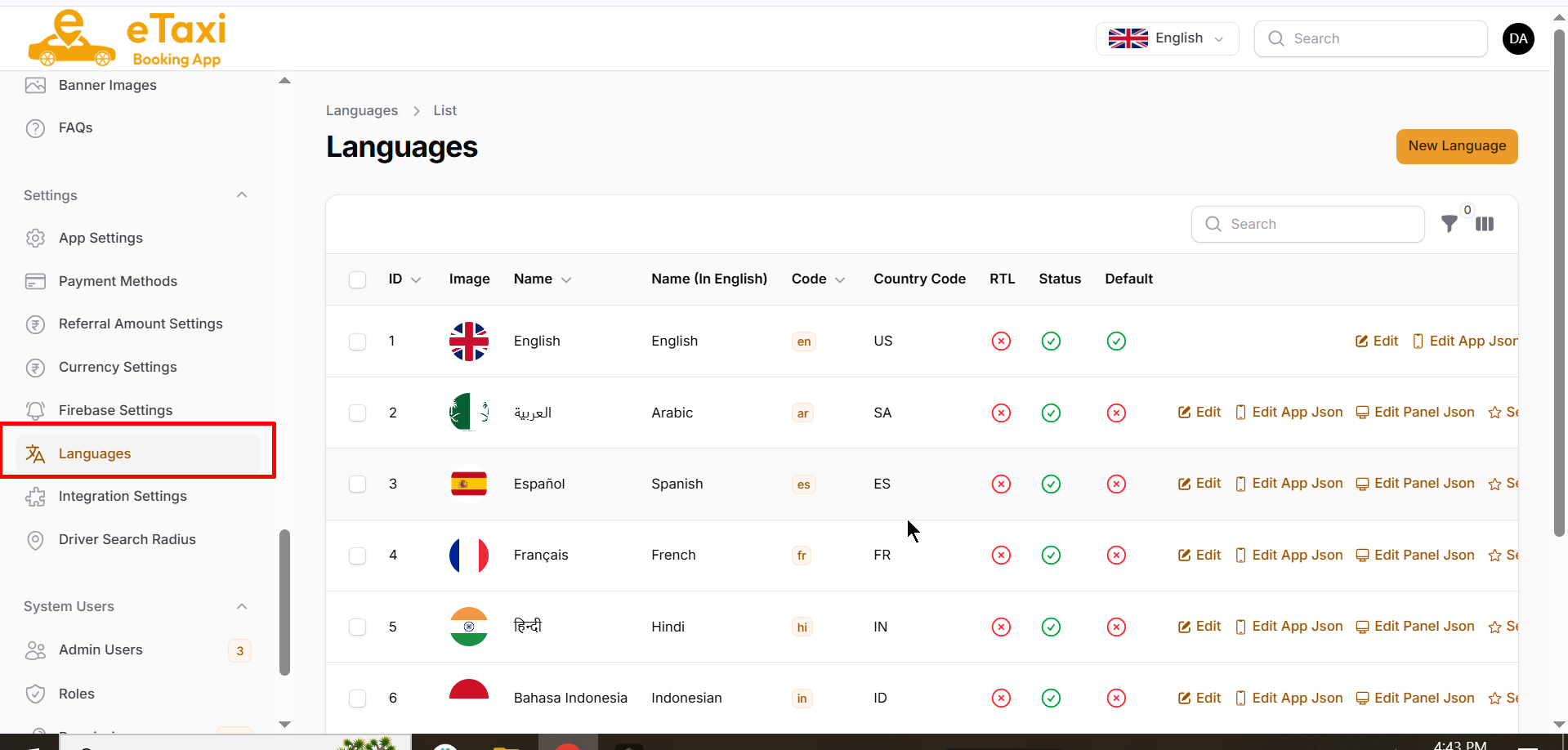
Manage languages available in the admin panel and mobile apps.
What you can do:
- Add a new language
- Edit language details and translation JSON (App / Panel)
- Set a default language
- Enable/disable languages and RTL support
Use this when you want multi-language support for different regions.
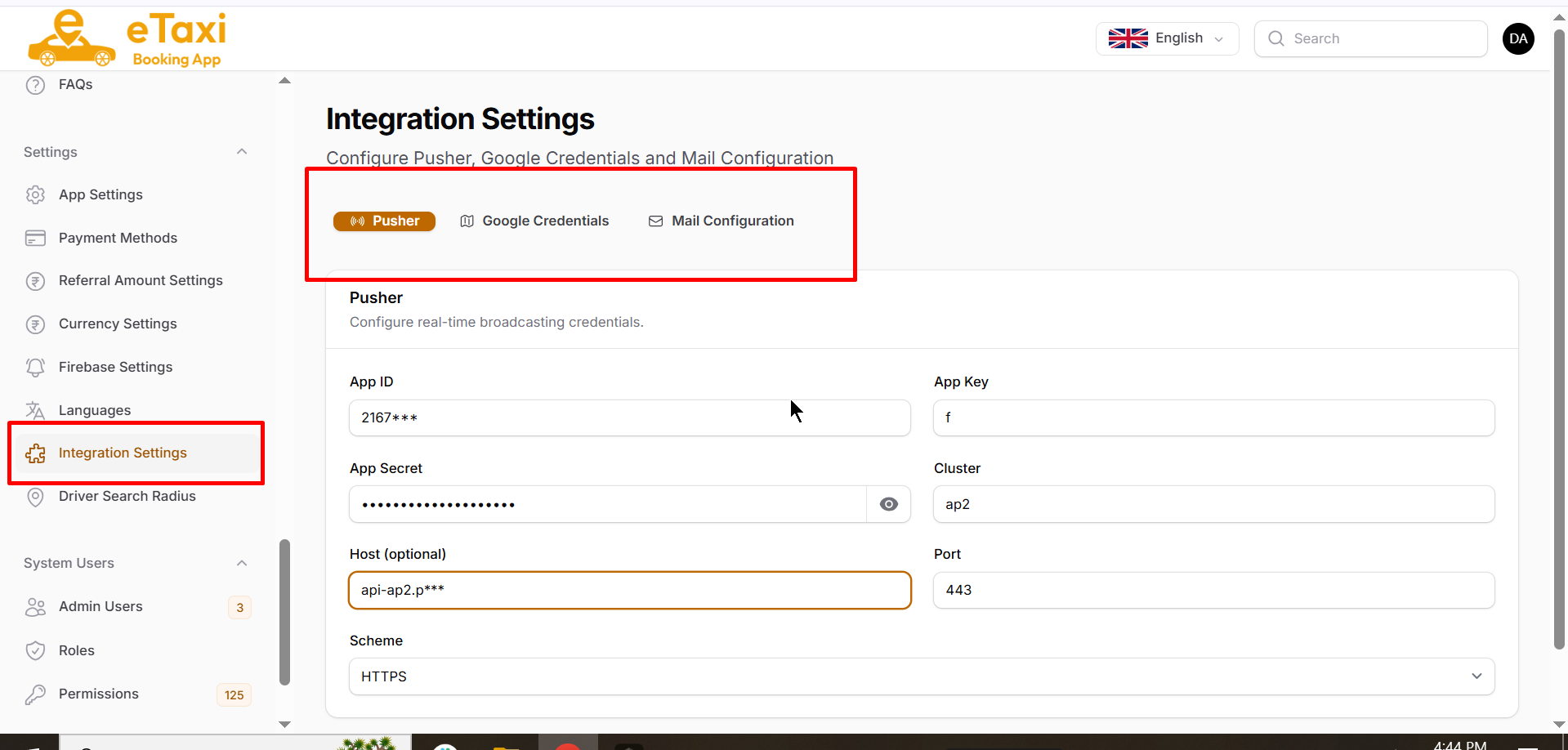
7. Integration Settings
Configure third-party services used by the platform. This page has three tabs:
- Pusher — Real-time broadcasting (live updates, chat, tracking events)
- Google Credentials — Google Maps / Places / related Google API keys
- Mail Configuration — SMTP/mail settings for system emails
Use this to connect real-time features, maps, and email delivery.
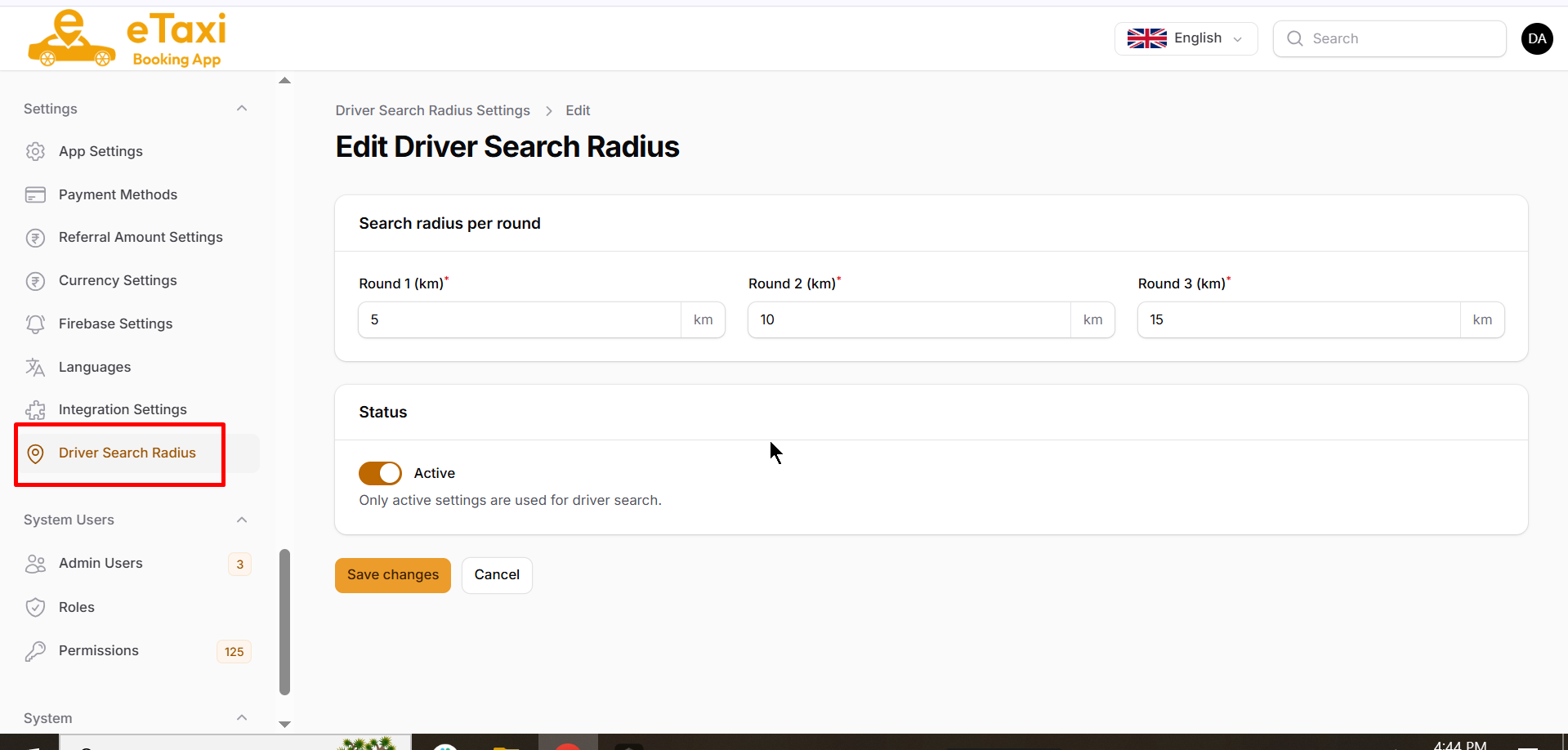
8. Driver Search Radius
Define how far the system should search for nearby drivers when a ride is requested. Search happens in rounds.
What you can configure:
- Round 1 radius (km)
- Round 2 radius (km)
- Round 3 radius (km)
- Active status
Use this to control how quickly and how widely drivers are notified for new bookings.
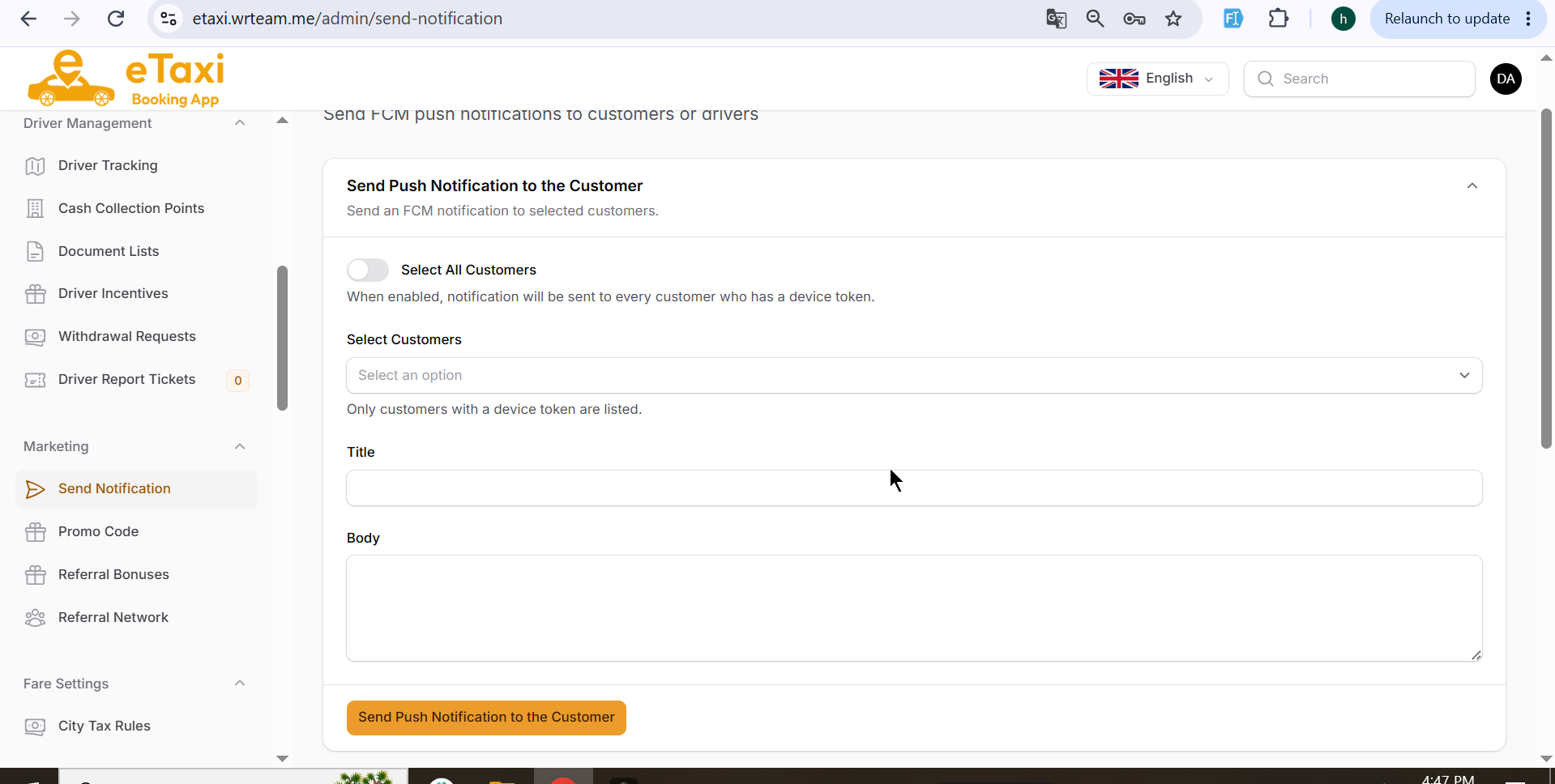
9. Send Notification
From the admin panel sidebar, open Marketing → Send Notification. Use this page to send FCM push notifications to customers or drivers.
What you can do:
- Send notification to all customers or selected customers
- Send notification to all drivers or selected drivers
- Add notification Title and Body
- Click Send Push Notification to the Customer or Send Push Notification to the Driver
Use this for announcements, offers, reminders, or important updates to app users.